Android Pie, Google’s latest iteration of its mobile
operating system, is finally here. Beta versions of the software had
been available to select handset users for quite some time in the guise
of Android P.
Android Pie version 9.0
succeeds the Android Oreo (v8.X), and the changes it brings along
mainly focus on inserting smarter utility features in the native
operating system instead of relying on third-party solutions.
Machine learningWith
Artificial Intelligence (AI) and Machine Learning (ML) becoming hot
buzzwords in the technology space, Google’s Android Pie joins the
bandwagon with features that are “built to learn from users”.
For
instance, Adaptive Brightness understands how a user likes the
brightness settings of the phone and keeps it that way. The native
solution solves the problem of manually adjusting brightness levels for
different ambient light conditions.
Adaptive
Battery is a similar technology as it understands which apps you use
the most and optimises them accordingly. App Actions predicts which app
you will use next, based on your usage.
“If it’s Tuesday morning
and you’re preparing for your commute, you’ll be presented with
suggestions such as navigating to work on Google Maps or resuming an
audiobook with Google Play Books. And when you put on headphones after
work, you may see options to call your mom or launch your favourite
Spotify playlist,” Google explains.
New interfaceAndroid
Pie’s new system navigation does away with the traditional three-touch
button navigation system for a one-touch kind. The singular button seems
highly inspired by Apple’s iPhone X gesture features. For instance, you
can swipe up the button to see recent applications. The thumbnails of
recent applications now appear larger with a full-screen view. Smart
Text Selection has also been improved and integrated within the
“Overview” of recent applications.
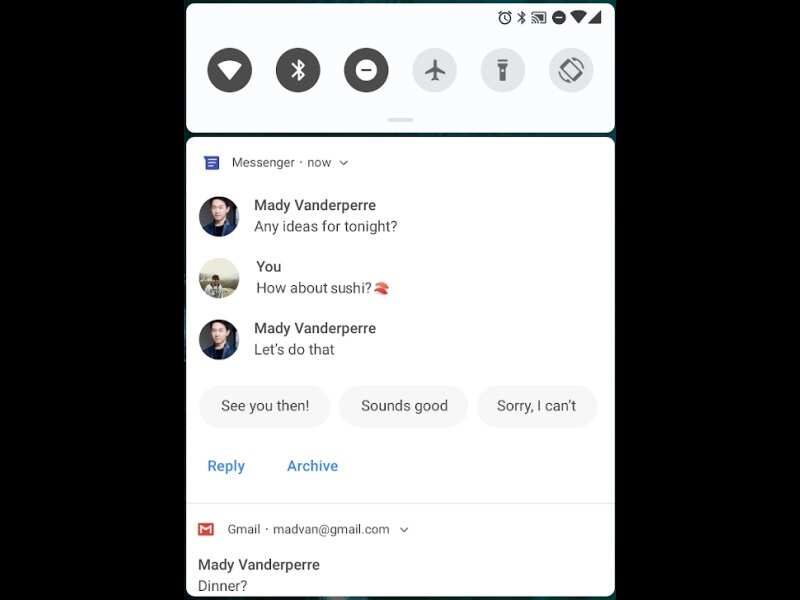
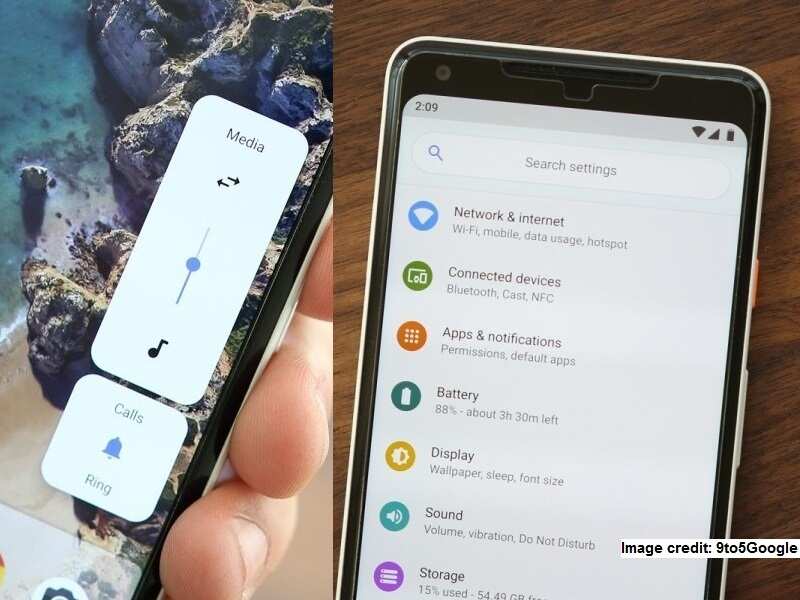
One of the key interface
changes include a revamped Quick Settings that focuses on giving
prominence to more useful tools. Other improvements include a simplified
process of taking and editing screenshots, better volume controls and
notifications management.

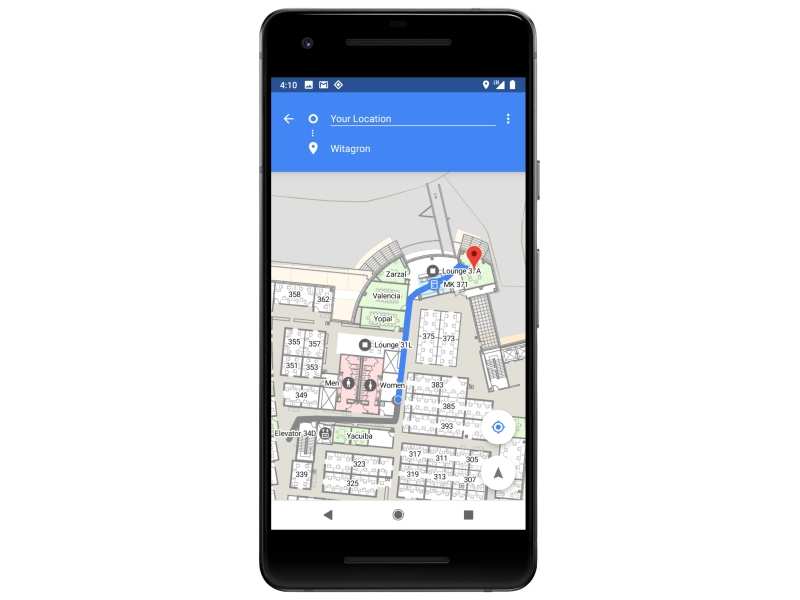
Android Pie brings a new interface and machine learning-based features
(Google)
Digital WellbeingAt the company’s
I/O conference earlier this year, Google CEO Sundar Pichai had talked
at length about helping users curb smartphone addiction. Under a
“Digital Wellbeing” initiative, Google has already rolled out updates to
its core apps like
YouTube — allowing users to set a time limit on how much time they should spend on the application.
Android
Pie brings an elaborate dashboard to the native operating system that
enables users to keep an eye on how much time they’re spending on their
devices. There’s also an App Timer that sets time limits on apps and has
a visual grey icon on apps to denote that their time is up. The Do Not
Disturb function now is much more intuitive, and has the ability to
disable all visual notifications on the phone.
Want to completely
detach yourself from the screen? The Wind Down application enables Night
Light and Do Not Disturb, and transitions the screen into grayscale
before bedtime.
Here’s how to check how much time you spend on Facebook, Instagram

Here’s how Google is helping you curb smartphone addiction
(Google)
Privacy and SecurityAndroid’s
recent versions have extensively focused on privacy and security of
users, and Android Pie is no exception. The latest Google mobile OS
features “industry-leading hardware security capabilities to allow
protecting sensitive data like credit card information using a secure,
dedicated chip,” according to Google.
“Android 9 also brings
important privacy improvements, such as TLS by default and DNS over TLS
to help protect all web communications and keep them private,” it added.
Compatible phonesAs
per the tradition, Google Android Pie is coming to Pixel phones first.
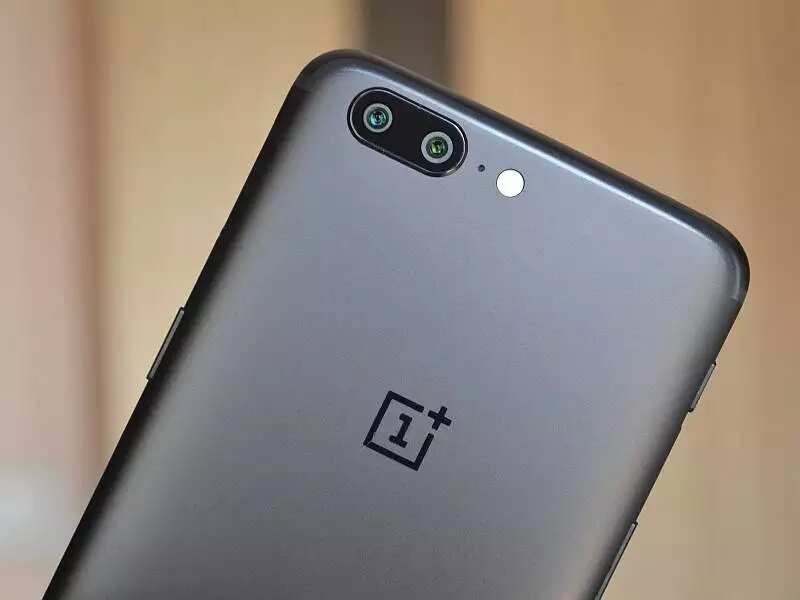
Non-Google phones from Sony Mobile, Xiaomi, HMD Global, Oppo, Vivo,
OnePlus, and Essential, that were part of Android P Beta programme will
receive the update by end of this year. Android One phones like Xiaomi
Mi A2 and Mi A1 will also be receiving the update later this year.